> ## Documentation Index
> Fetch the complete documentation index at: https://docs.withbind.com/llms.txt
> Use this file to discover all available pages before exploring further.
# Credits Yard
> Store Credit can be complicated if not integrated correctly. Learn how to properly setup your store utilizing Credits Yard to handle store credit seamlessly via Shopify.
## About
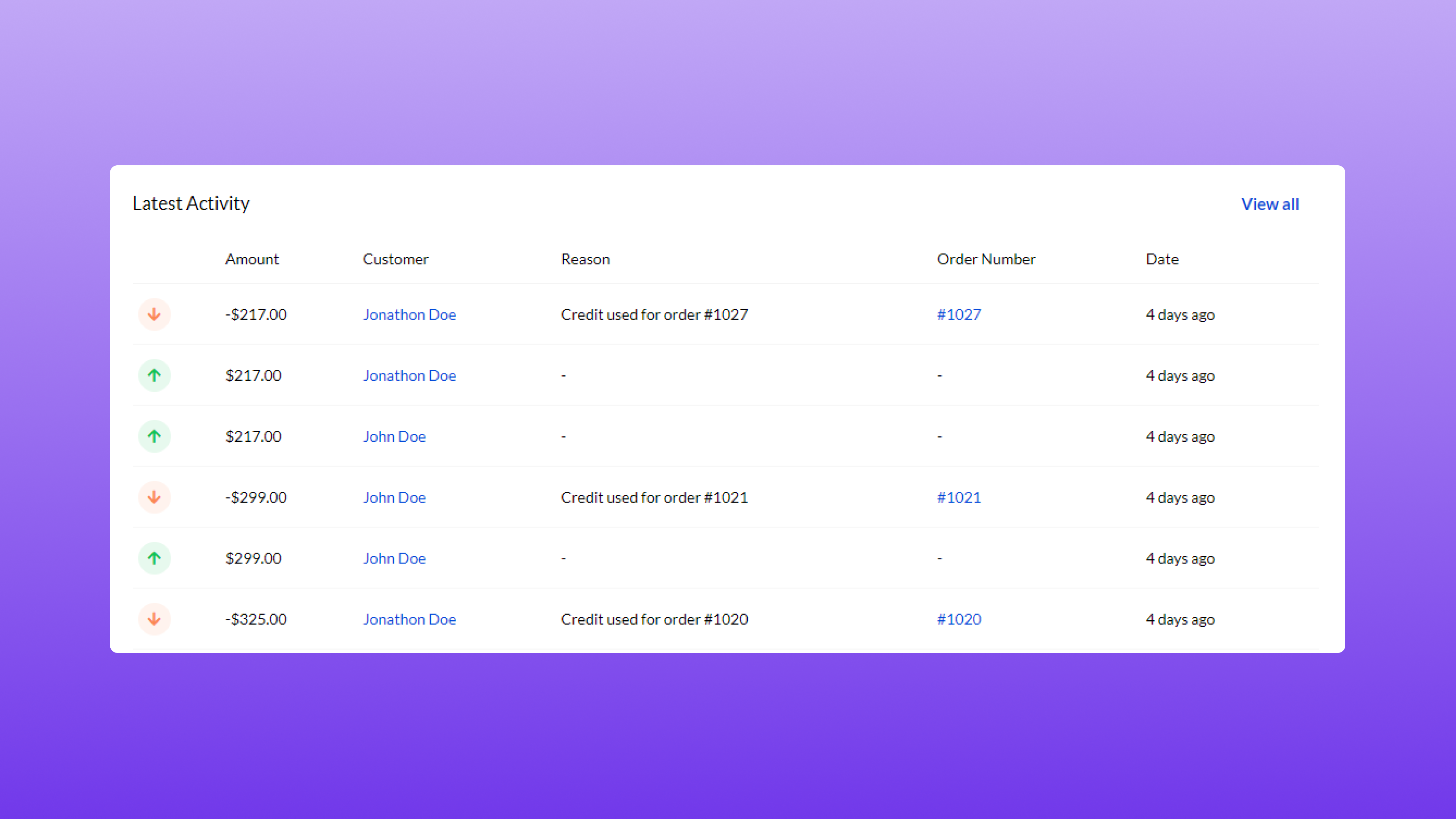 [Credits Yard](https://apps.shopify.com/my-store-credit) is a Shopify app designed to help store owners manage store credit for their customers. It allows you to issue store credit that can be used for refunds, exchanges, or rewards. The credit can be spent on new orders seamlessly.
## Setup
[Credits Yard](https://apps.shopify.com/my-store-credit) is a Shopify app designed to help store owners manage store credit for their customers. It allows you to issue store credit that can be used for refunds, exchanges, or rewards. The credit can be spent on new orders seamlessly.
## Setup
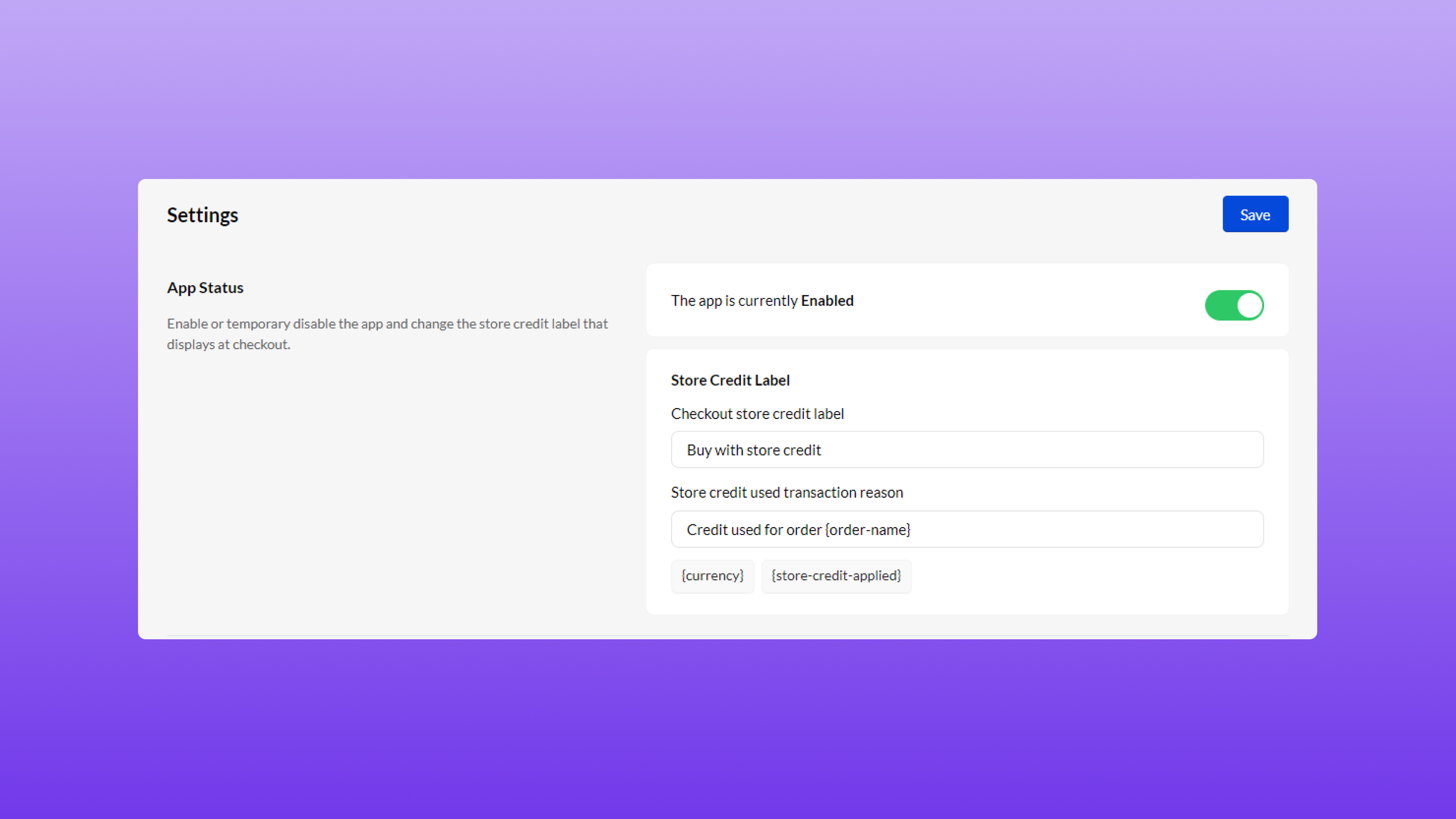 To integrate **Credits Yard** with your Shopify store, the following values need to be set. Go to the settings page within **Credits Yard** and identify the section titled **Store Credit Label**. Within this section, the value titled **Checkout Store Credit Label** should be set to `Buy with store credit` as shown in the image above. Click **Save** after updating.